Free, for the essentials
Core tracking, raw history, Apple Health, basic reports, export, backup, restore, and privacy controls.
Cycles, symptoms, medications, and life’s changing chapters. One private record, made for your real life.
Free download · Optional Arveli Plus · iPhone & iPad
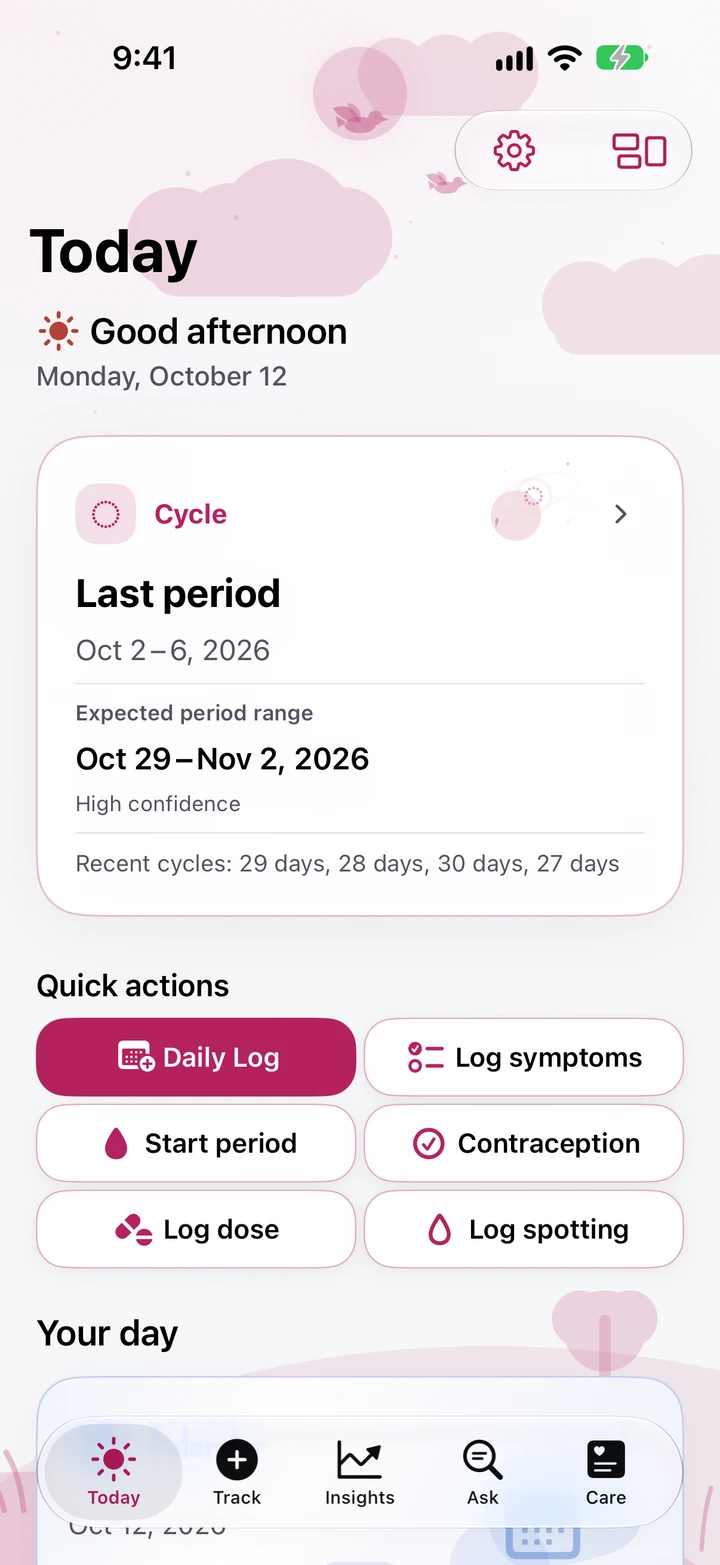
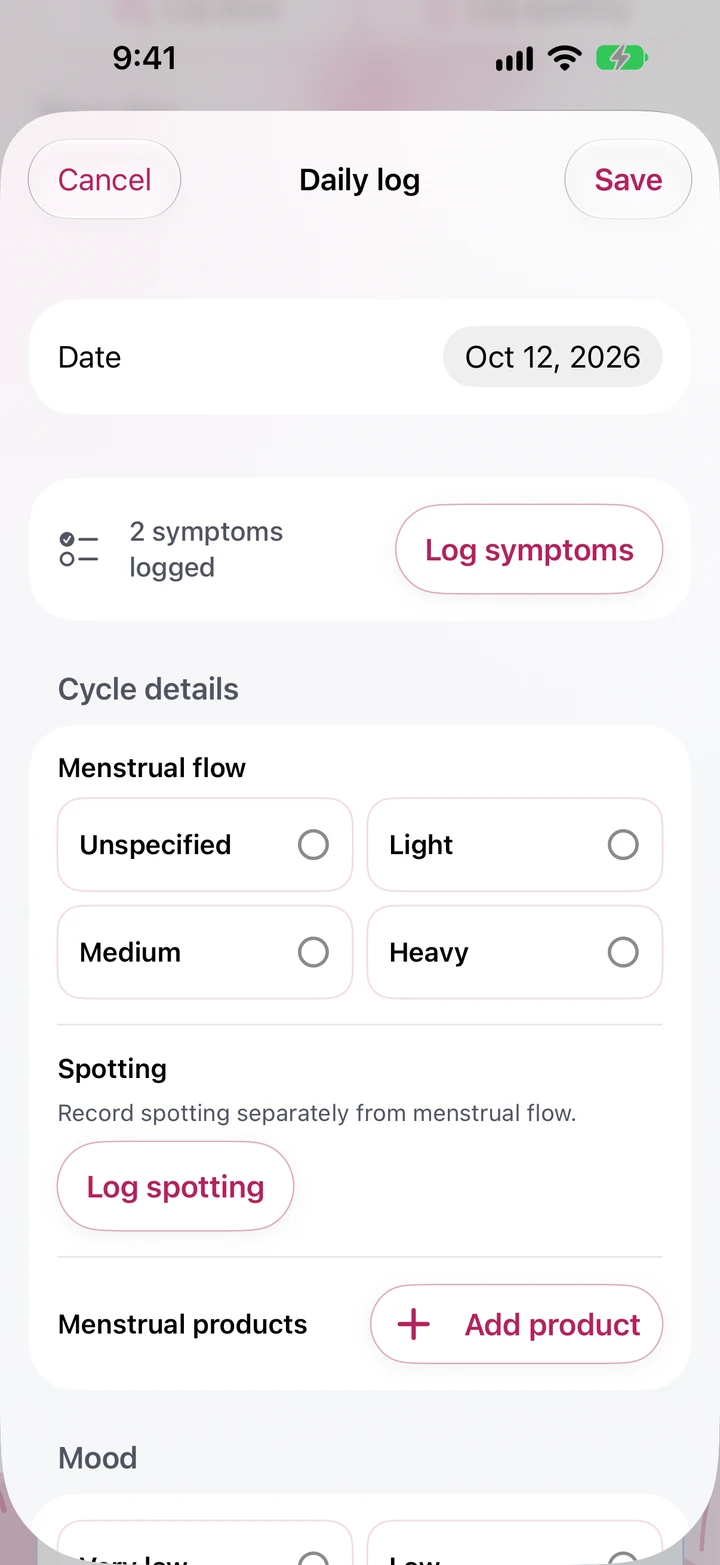
Start with the details that matter to you. Arveli keeps your record connected as your needs change.
01 / Daily life
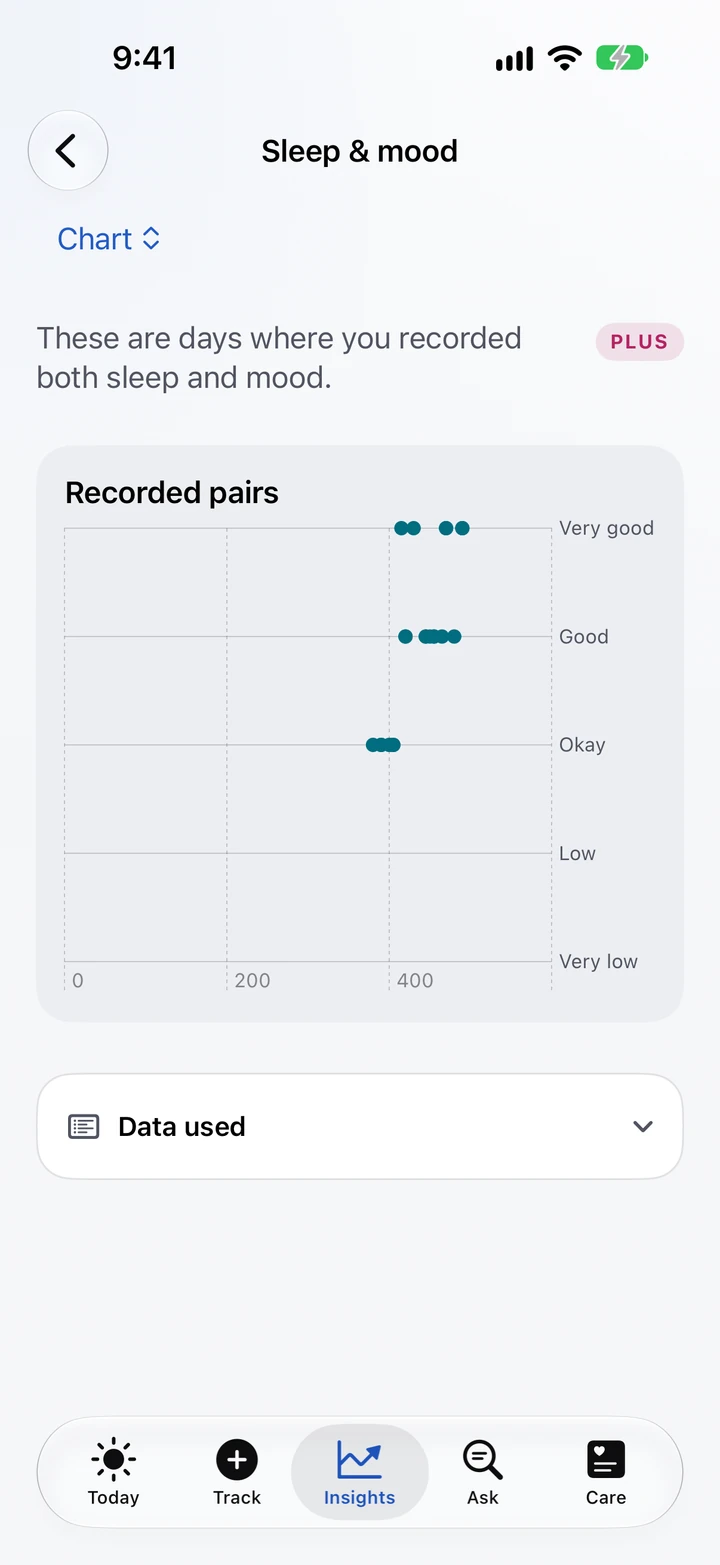
Log symptoms, mood, sleep, medications, and private notes. Add locations to supported pain symptoms and keep a calendar of your recorded days.
02 / Ask & understand
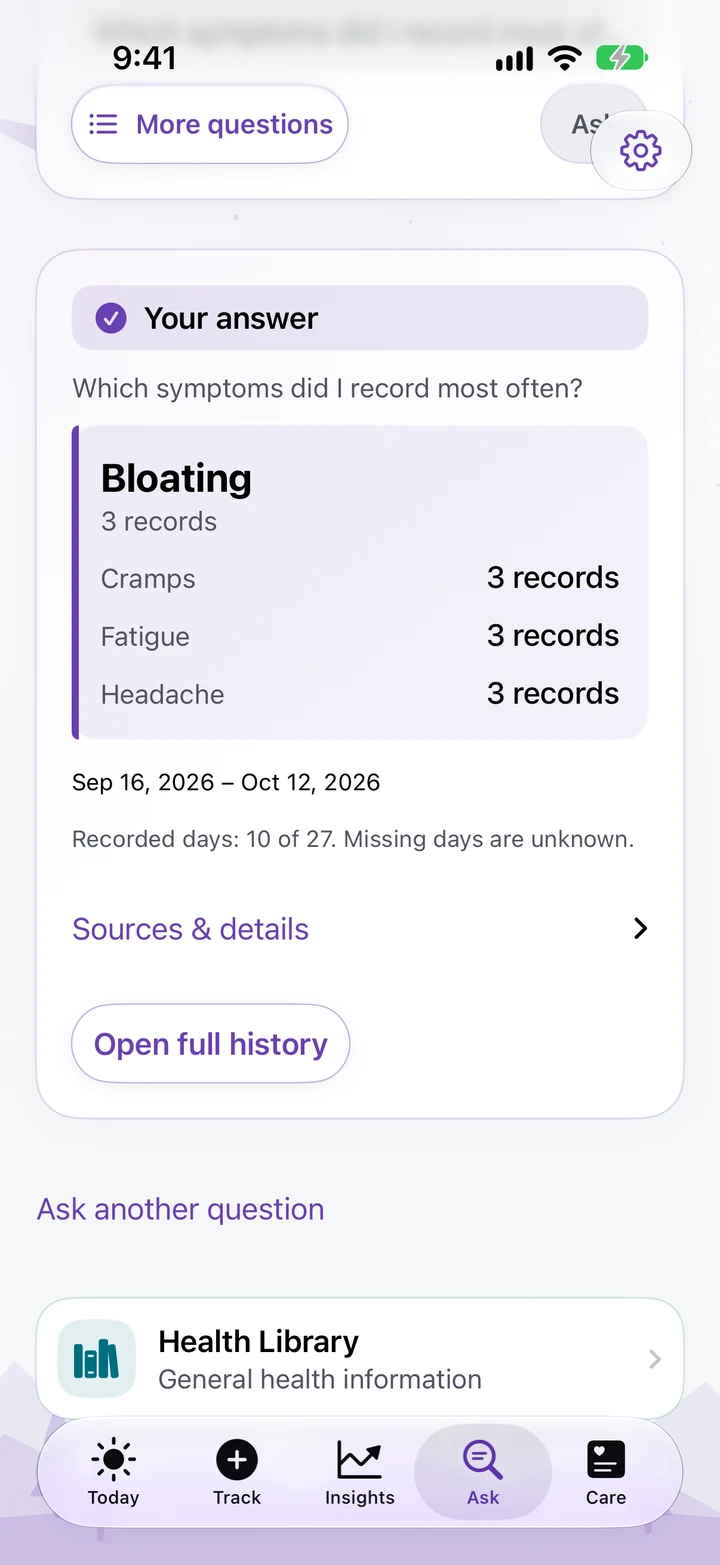
Ask supported questions about your logged history and see answers calculated on your device. Explore recorded patterns with sample counts and coverage, with missing days left unknown.
03 / Life stages
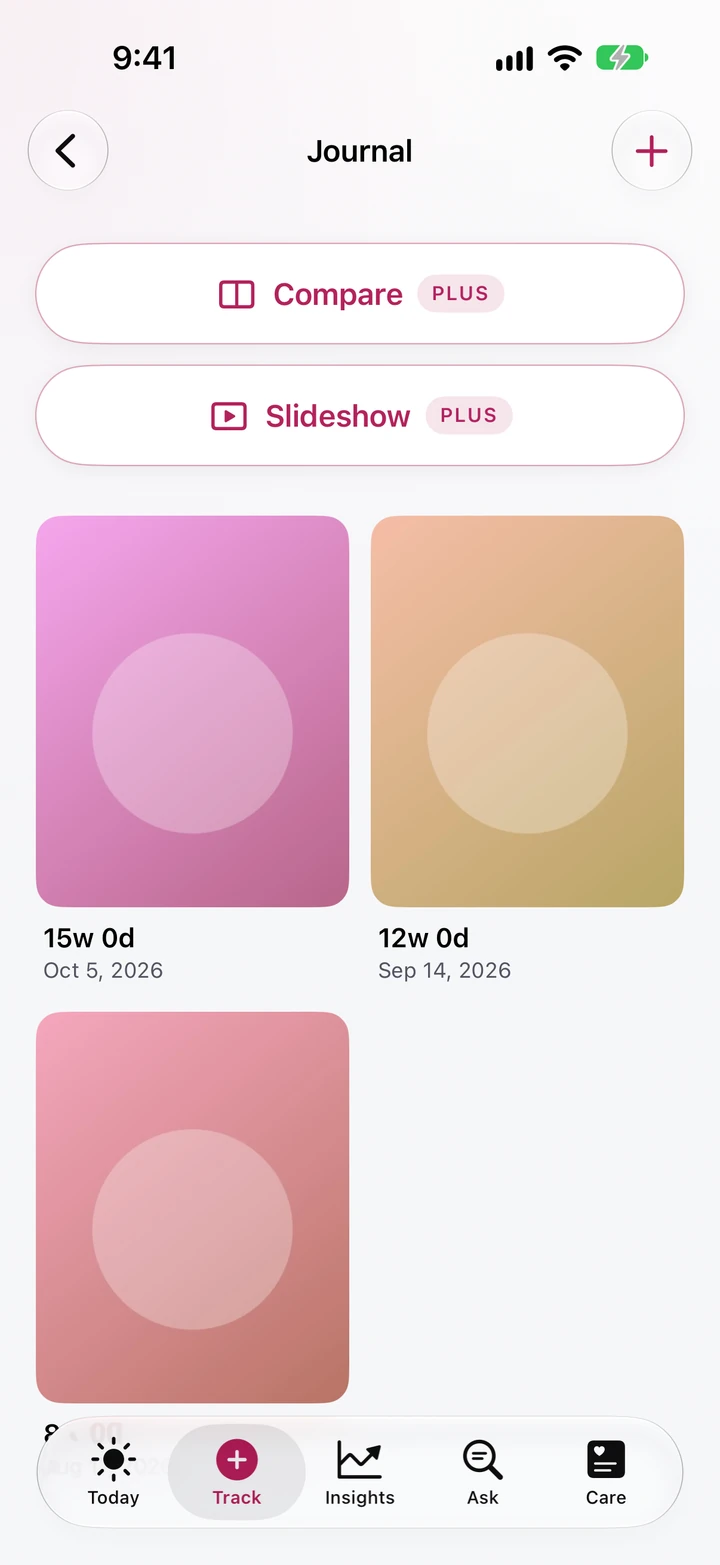
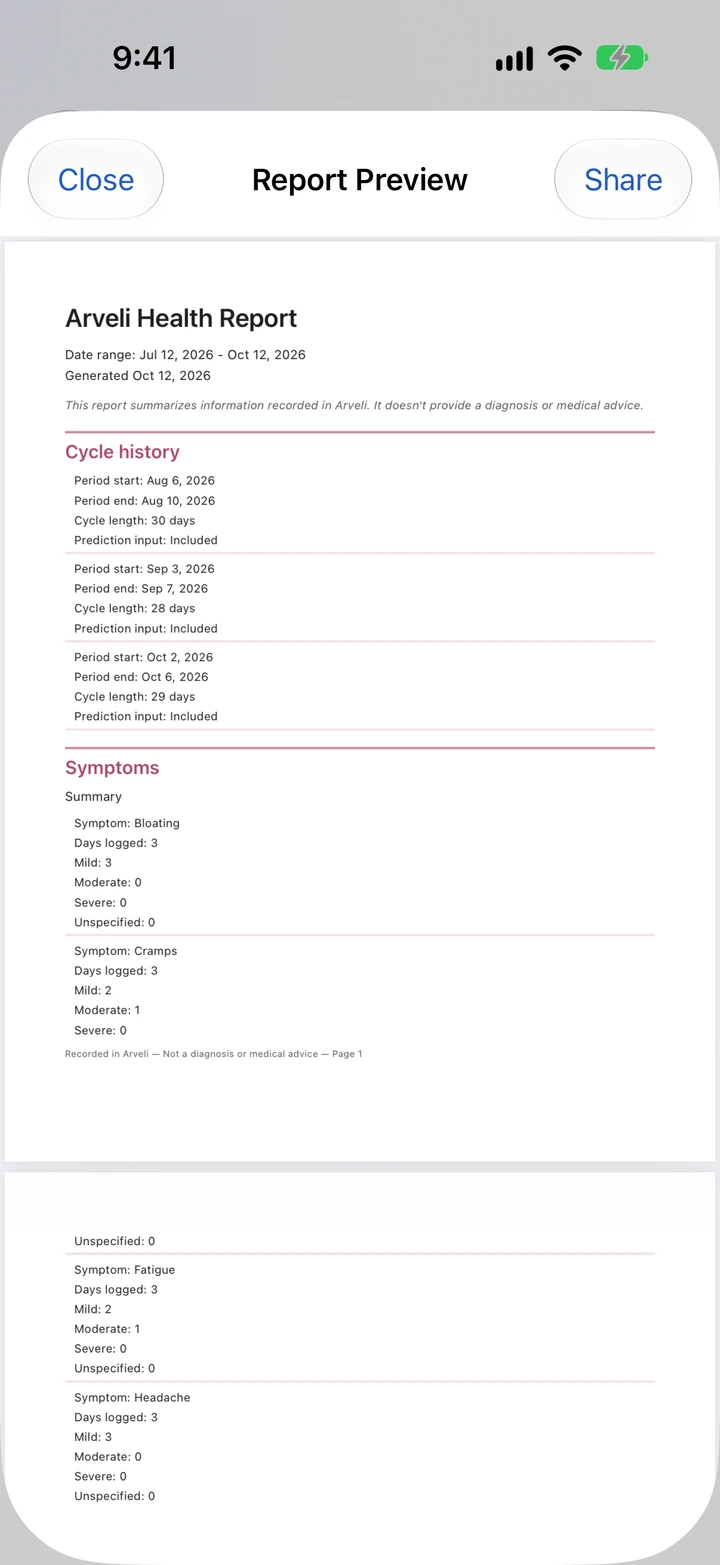
Choose the life stage that fits you: cycles, pregnancy, recovery, perimenopause, or menopause. Keep dated pregnancy photos and notes together, and prepare a report for a conversation about care.
04 / Together
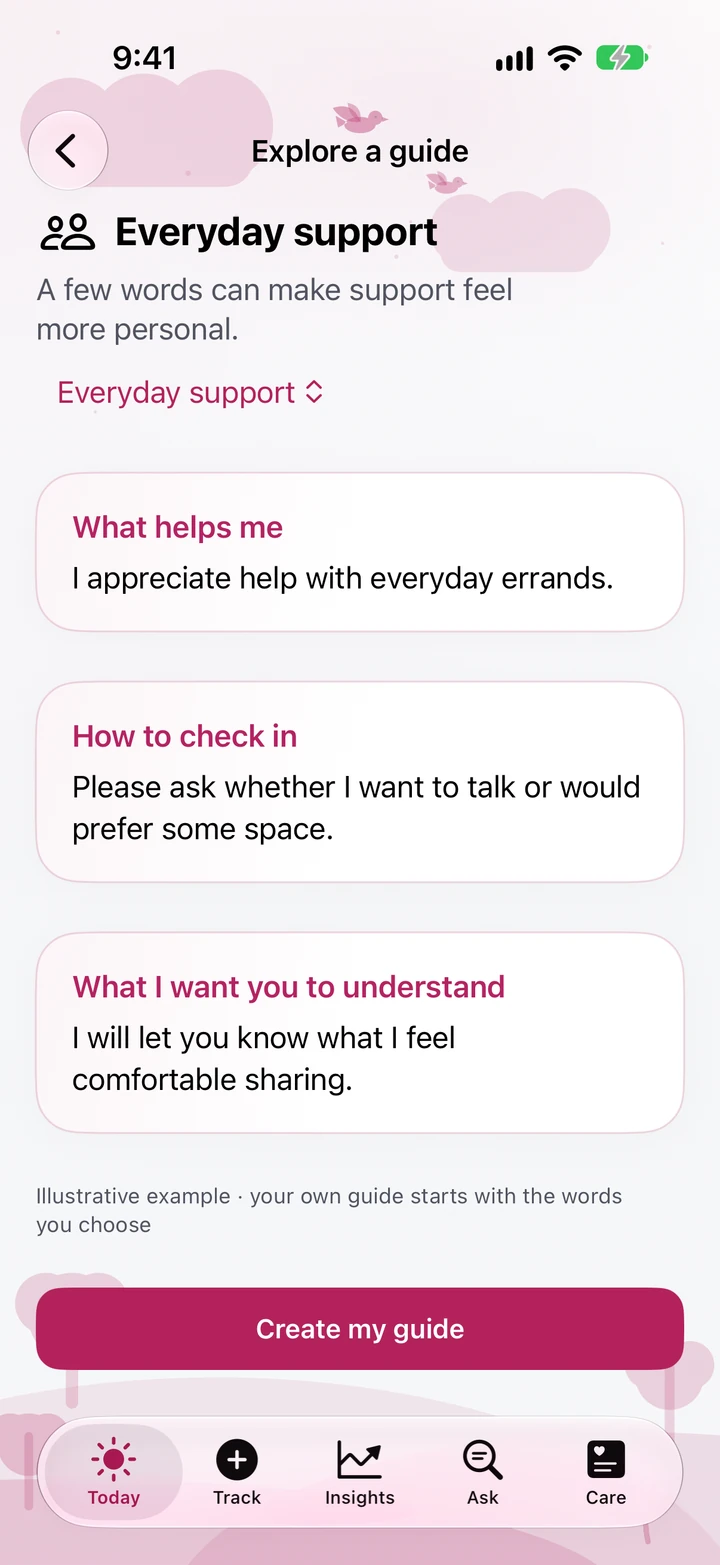
Create a personal support guide, start from a message preset, and preview exactly what you share. Together sends a copy you choose; it does not create a shared account or a live view of your journal.
05 / Daily Kits
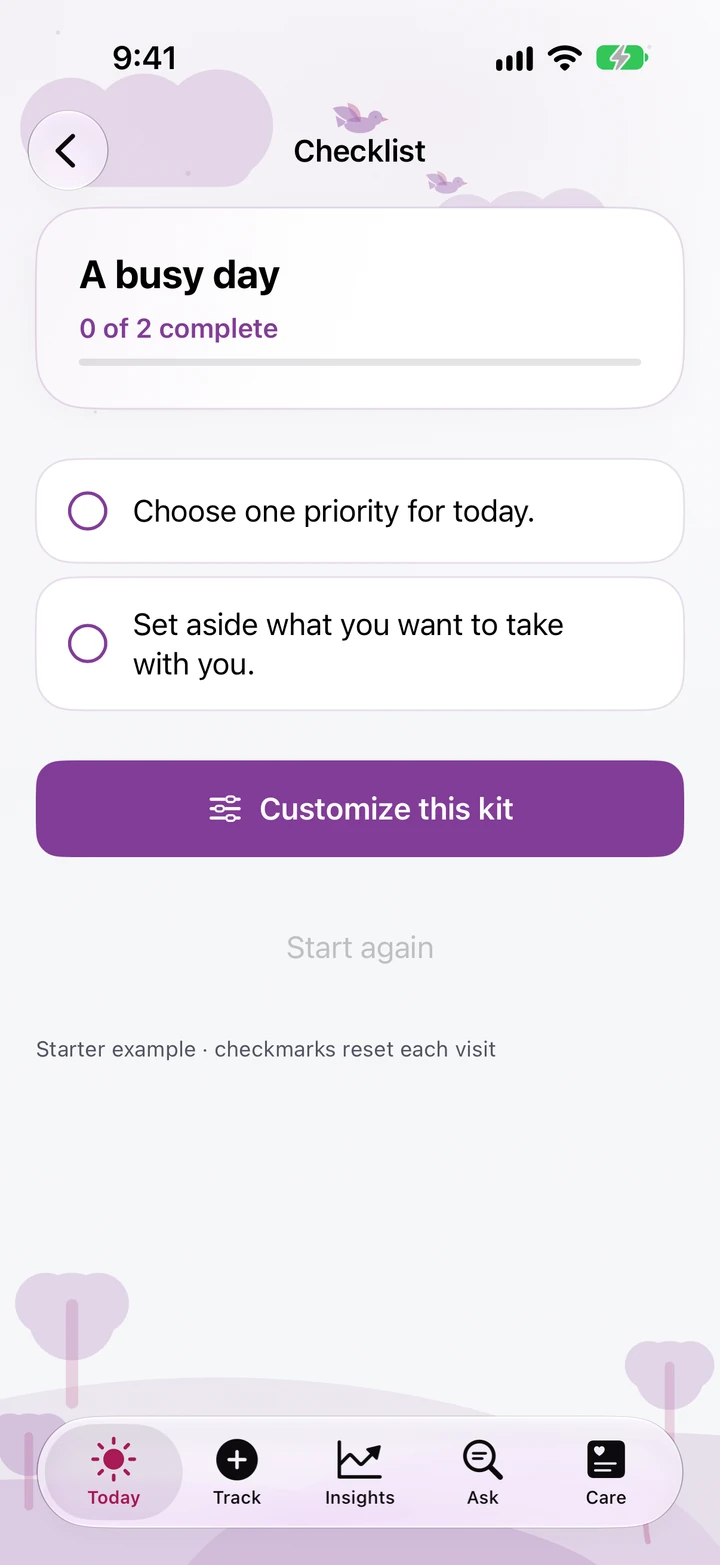
Make reusable checklists for the days you plan again and again. A checkmark stays a checkmark—it never creates a symptom, dose, or other health record.
Arveli organizes recorded information. It does not diagnose, recommend treatment, or confirm ovulation. Estimates are not contraception.
An encrypted journal on your device. No Arveli account, no advertising SDKs, and no developer health-data cloud.
Core tracking, raw history, Apple Health, basic reports, export, backup, restore, and privacy controls.
Deeper insights, unlimited Ask, Compare, visit-ready report charts, and richer presentation.
See the app for local pricing and current offers. Monthly and annual subscriptions are managed by Apple.
Free resource · No signup
Bring dated observations and your questions to an appointment. Start with a blank worksheet, with or without the app.
Your journal is stored on your device. You can choose to create an export, backup, report, or Together message, connect Apple Health, or set up Apple Watch. These actions can create copies elsewhere. DailyMed label requests contact an outside service after disclosure; your journal is not included. See the privacy policy for each boundary.
No. Arveli records and organizes information. It does not diagnose, recommend treatment, check medication safety, confirm ovulation, or replace a clinician. Estimates must not be used for contraception decisions.
Core tracking, all raw history, Apple Health, basic clinician reports for any date range, the pregnancy photo journal, Daily Kits and Together sharing, essential Watch features, export, encrypted backup and restore, deletion, and privacy controls. Free Ask includes three personal answers per week over the last 14 days. Plus adds deeper analysis and convenience; it never removes your records when a subscription ends.
Arveli supports iPhone and iPad running iOS or iPadOS 18 or later, with a companion for Apple Watch. Feature availability depends on the device and operating system. Apple on-device language-model classification needs supported hardware and software; rule-based question handling remains available without it.
No. Together helps you prepare a support guide, message, or PDF and preview the exact content before sharing a copy through Apple’s share sheet. The recipient does not gain live access to your journal. You can stop sharing future updates, but you cannot recall a copy already sent.
Yes. Detailed notifications and a Custom Summary widget are the fresh-setup defaults; Apple Watch is configured after authenticated setup. Choose Private notifications or widgets, narrower Watch detail, App Lock, or a discreet icon in Settings. A hidden presentation does not erase your journal.

Arveli for iPhone and iPad, with Apple Watch.