SCREENSHOTS
Search visible text across the library.
Recognition runs on-device and adds the words inside each image to local retrieval.

Current sectionSiftFrame
Search screenshots and screen recordings by the words that were visible. Your entire capture trail stays searchable on your Mac.
On-device recognition. Live product footage. No cloud library.
Type the phrase, title, filename, tag, source, note, or date you remember. SiftFrame searches recognized text locally instead of making you decode timestamped filenames.
Recognition runs on-device and adds the words inside each image to local retrieval.
Search what appeared on screen during a recording. SiftFrame does not claim speech transcription.

Timeline, exact-date search, Capture Groups, source details, notes, and pinned references preserve the connections around the file.
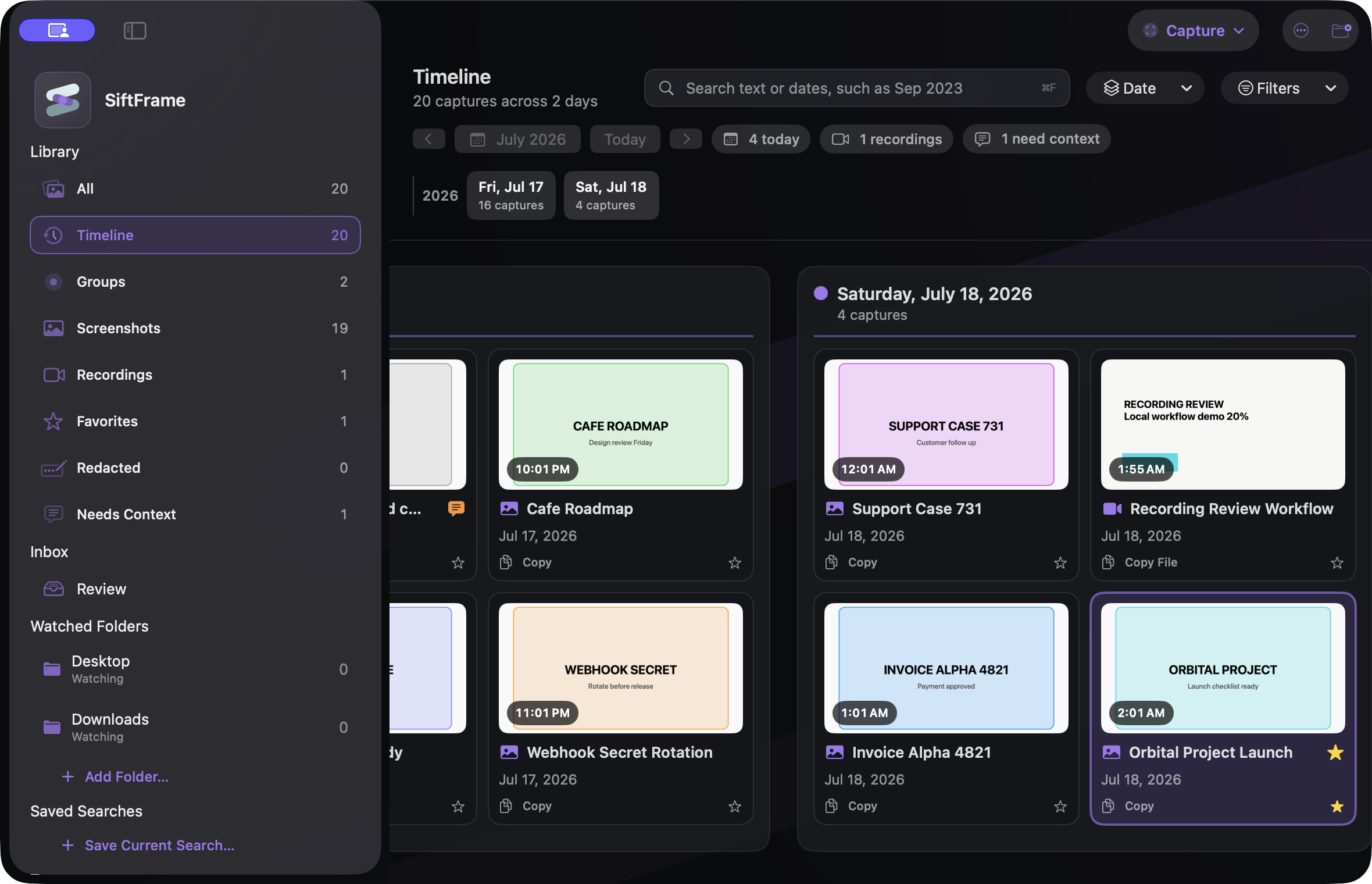 Timeline + Capture Groups
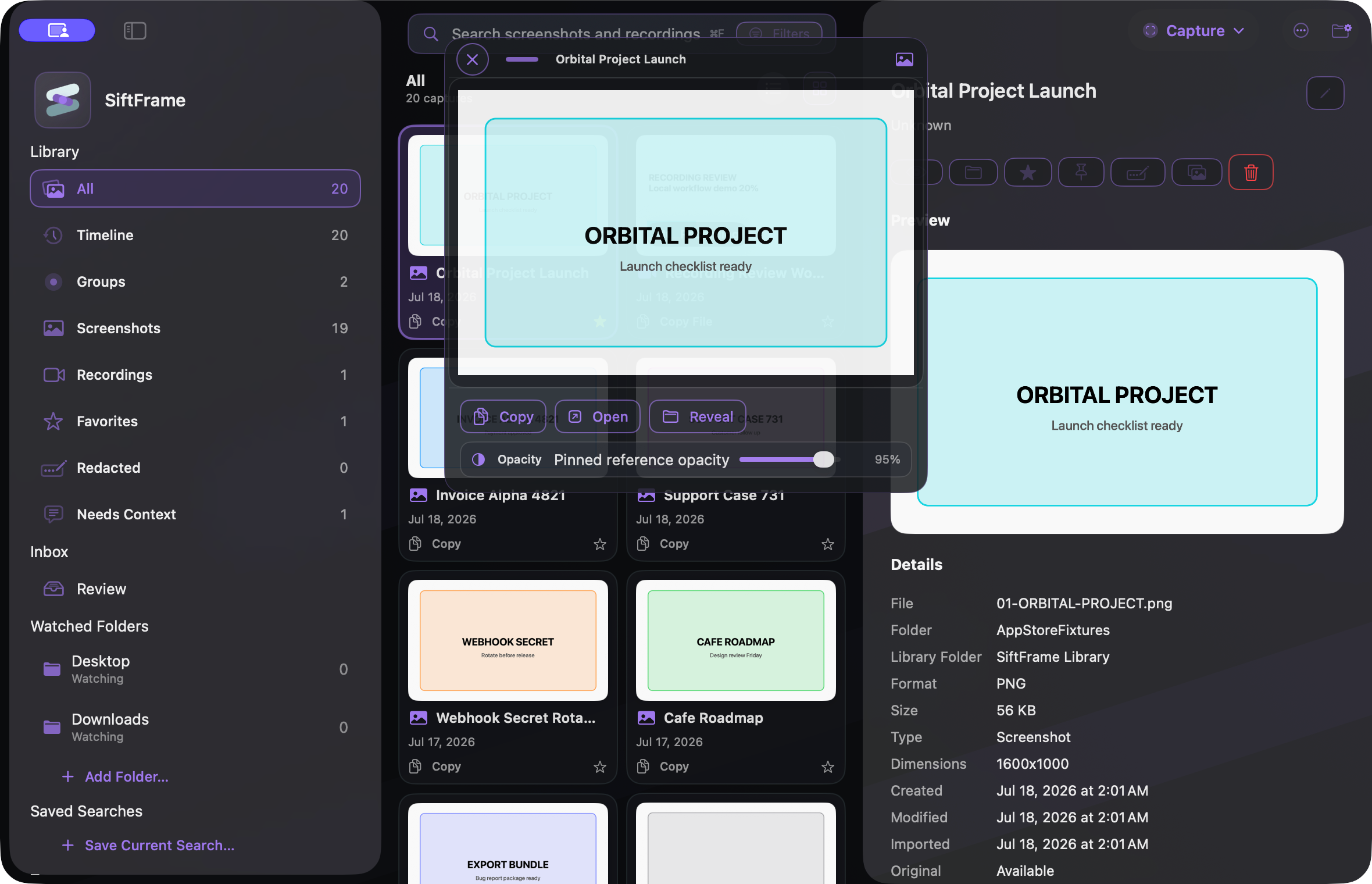 Pin the reference
From the first screenshot to the reference you need months later, SiftFrame turns a growing visual trail into a private, searchable library on your Mac.
Capture
Bring a still or a recording into the library without breaking your train of thought, then keep the source and timing ready for later.
Search
SiftFrame recognizes text on-device across screenshots and sampled recording frames, then makes that context available from one local library.
Organize
Give the fragments surrounding a project a shape, whether they came from one capture session, an existing folder, or a long-running collection.
Review
Review sensitive material before it leaves your Mac while keeping the original capture intact inside the library.
Start a private visual library without creating an account.
Unlock the long-term library and the tools that keep it manageable as it grows.
These are overlapping products, not identical ones. The right choice depends on whether your priority is capture polish, general asset management, floating references, or long-term retrieval.
Best known for: A broad capture, annotation, recording, and sharing suite.
Where SiftFrame goes further: SiftFrame goes deeper after capture: indexed visible-text search across screenshots and sampled recording frames, watched folder trees, Timeline, and Capture Groups.
Best known for: A compact still-screenshot tool with annotation, scrolling capture, OCR, and pinning.
Where SiftFrame goes further: SiftFrame treats screenshots and recordings as one growing library, with recording-frame search and context designed for retrieval weeks or months later.
Best known for: Capture, floating references, markup, OCR, and a Shots Browser for organization.
Where SiftFrame goes further: SiftFrame is built around the phrase you remember: full-library text retrieval, existing folders and subfolders, source context, and exact-date search.
Best known for: A general-purpose visual asset manager for broad creative collections.
Where SiftFrame goes further: SiftFrame is narrower and more Mac-native: it combines capture, watched screenshot folders, screen recordings, and local retrieval in one focused workflow.
No. The library, recognized text, notes, indexes, and metadata stay on your Mac. Files leave only when you explicitly export, share, move, or perform another file action.
No. It searches recognized words that appeared in sampled on-screen frames. SiftFrame does not market spoken-word transcription.
Not always. Those products emphasize capture and annotation. SiftFrame is the better fit when retrieval across a growing screenshot-and-recording history is the problem you need to solve.
Free includes one watched folder, up to 100 indexed items, screenshot and screen-recording capture, on-device text recognition, local search, limited tags and saved searches, and one pinned reference.
SiftFrame Pro is a $14.99 one-time in-app purchase. There is no subscription.

Free to download. Pro is $14.99 once.
View on the Mac App Store